✨ AI-Powered Meeting Assistant

Your Intelligent Meeting Copilot

VividAI's smart bot automates your meeting workflow. Schedule it to join calls, record, transcribe, and summarize automatically. Works on Google Meet, Zoom, Teams, and more.

Trusted by professionals at
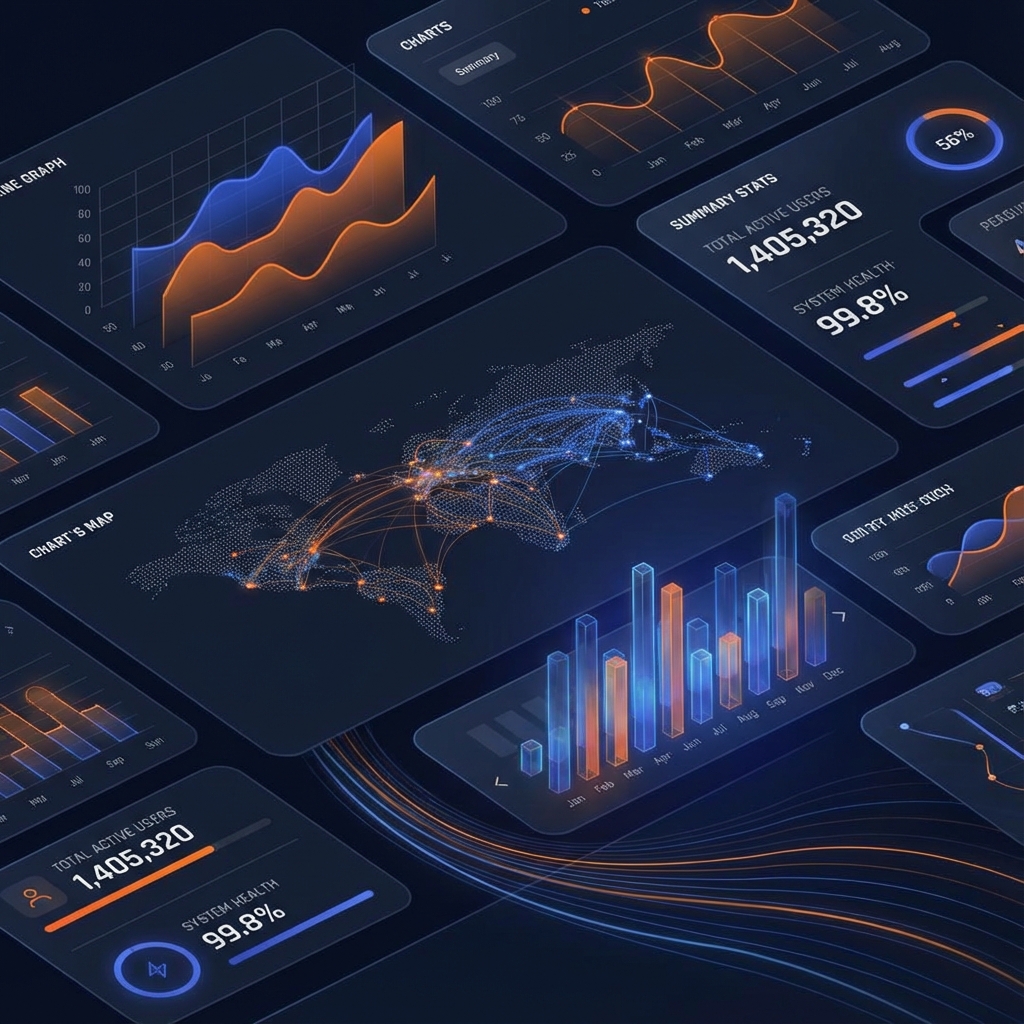
VividAI Dashboard
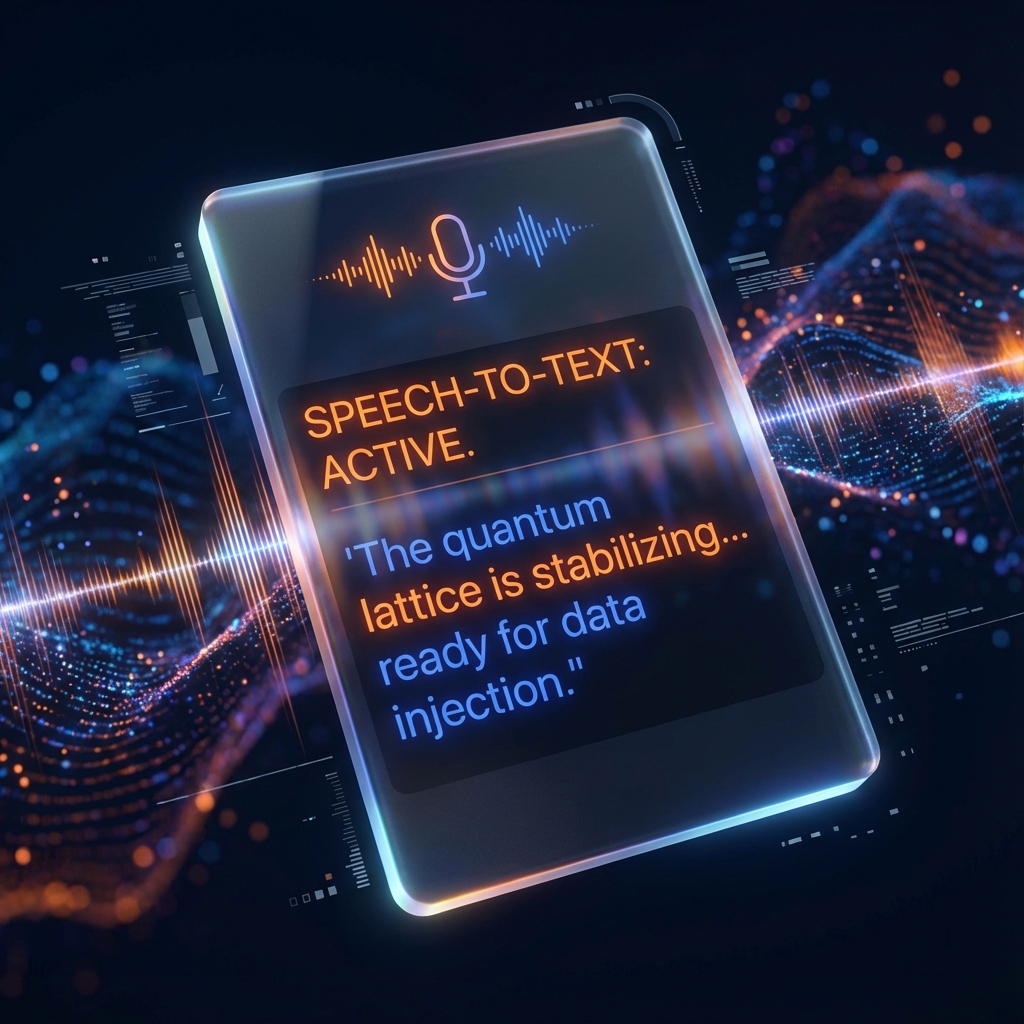
LIVE TRANSCRIPTION

Supercharge Your Meetings

Everything you need to stay focused and productive.

Mic Icon

Universal Recording

Works seamlessly on Google Meet, Zoom, Teams, Webex, and even WhatsApp Web.

Lightning Icon

Real-time Transcription

Powered by OpenAI Whisper for industry-leading accuracy in over 50 languages.

Transcription UI
Notes Icon

Smart Summaries

Get auto-generated meeting minutes, key takeaways, and action items instantly.

Analytics UI
Bot Icon

Intelligent Bot

Schedule the VividAI Bot to automatically join and record your meetings, so you never miss a moment.

VividAI Bot
Calendar Icon

Auto-Scheduling

Paste your meeting links and let VividAI handle the rest.

Visualizer Icon

Audio Visualizer

Beautiful real-time audio visualization.

Why Choose VividAI?

Feature VividAI Otter.ai Fireflies.ai
Bot Automation ✅ Yes (No Auto-Join) ✅ Yes ✅ Yes
Privacy High (🔒 Local Storage) Medium (☁️ Cloud) Medium (☁️ Cloud)
AI Model 🧠 Flexible (BYO - OpenAI, Gemini, Groq, Ollama, FloTorch) 🔒 Fixed 🔒 Fixed
Cost 💸 Free 💰 Subscription 💰 Subscription

How It Works

Get started in minutes. No complex setup required.

1

Add to Chrome

Install the extension from the Chrome Web Store. It's free and takes seconds.

2

Connect AI

Enter your API key (OpenAI, Gemini) or select a local model (Ollama) for privacy.

3

Join Meeting

Hop on a Google Meet, Zoom, or Teams call. VividAI automatically detects it.

4

Get Insights

Watch the real-time transcription and get a summary instantly after the call.

Simple, Transparent Pricing

Pay only for what you use. No monthly subscriptions.

Free Forever

$0/mo

Use your own API keys or local models.

✨ OpenAI gives $120/mo free credits (~300 hours)
  • ✅ Unlimited Recordings
  • ✅ Local Storage
  • ✅ Real-time Transcription
  • ✅ AI Summaries (BYO Key)
  • ✅ Offline Mode (Ollama)
  • ✅ No Monthly Fees
Add to Chrome

Frequently Asked Questions

Is VividAI really free?

+

Yes! The extension itself is completely free to download and use. You only pay for the AI usage directly to the provider (e.g., OpenAI) if you choose to use paid models. However, OpenAI provides $120 in free platform credits every month, which is enough for approximately 300 hours of transcription. This makes it effectively free for almost everyone. If you use local models like Ollama, it's always 100% free.

Does a bot join my meeting?

+

By default, no. VividAI captures audio from your browser tab, so it's invisible to other participants. However, you can use the "VividAI Bot" feature if you want an automated assistant to join and record for you.

Is my data secure?

+

Absolutely. We prioritize privacy. Your recordings and API keys are stored locally on your device. We do not store your data on our servers.

Which platforms are supported?

+

VividAI works with Google Meet, Zoom (web), Microsoft Teams (web), Cisco Webex (web), and WhatsApp Web.

Ready to transform your meetings?

Join thousands of productive professionals using VividAI today.

Add to Chrome for Free